
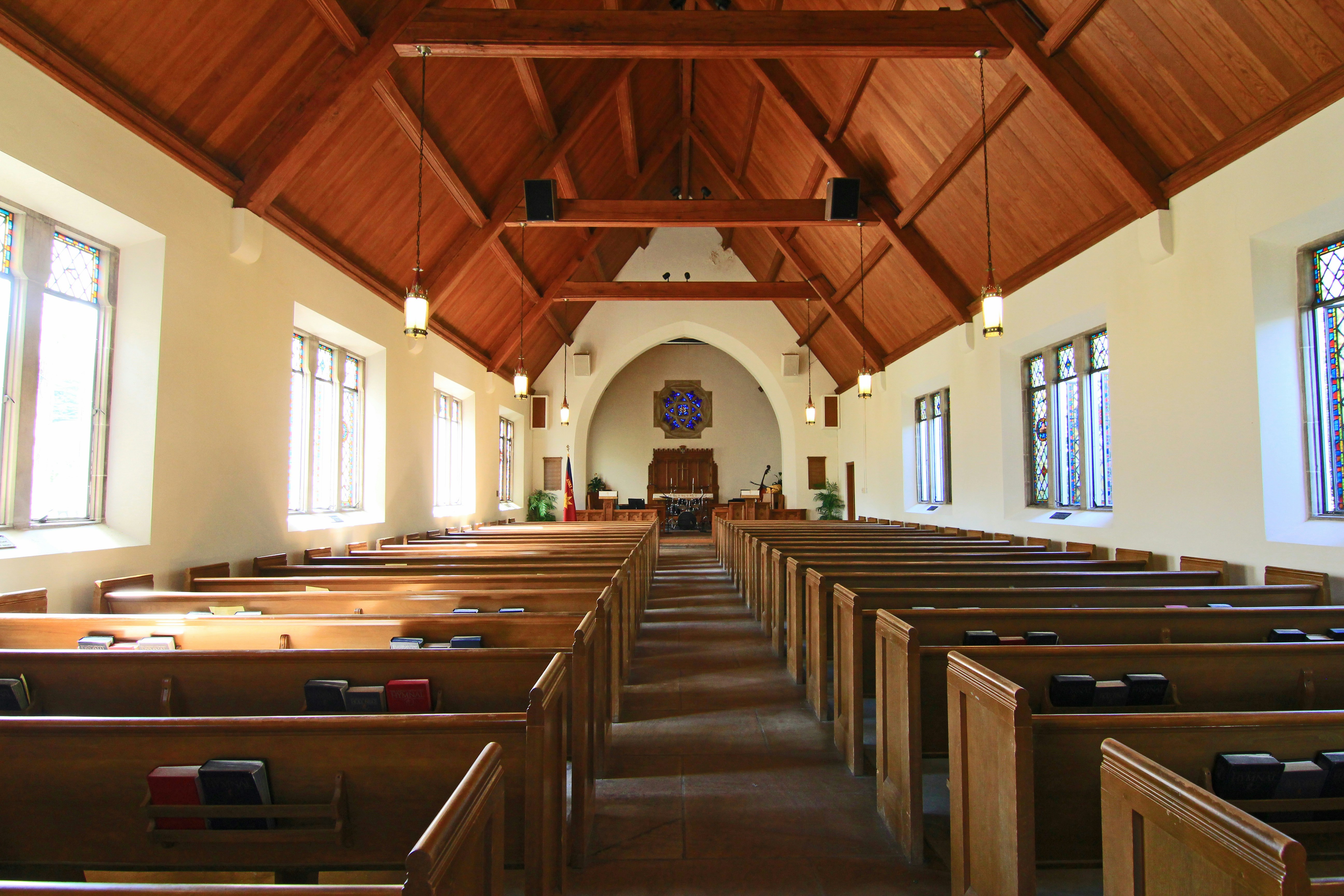
Church SEO is not about repeating “church near me” on every page. It is about helping search engines and people understand who your church serves, where it is located, when it meets, and which pages answer specific questions.
The most useful optimization work improves both visibility and the visitor experience. A clear title helps a search result; the same clear title helps a guest know they are on the right page.
1. Put essential local information in plain sight
Display the church name, city, address, service times, and contact information in accessible text—not only inside an image. Keep those details consistent across the website and Google Business Profile. Update holiday schedules and temporary changes promptly.
Include directions, parking, accessibility, and children's check-in details on a dedicated visit page. Link that page prominently from the homepage and navigation.
2. Give every important page a specific purpose
Create useful pages for worship services, planning a visit, children, youth, ministries, events, beliefs, staff, sermons, and community programs. Each page should answer the questions associated with that topic instead of using a few sentences and sending visitors elsewhere.
Google recommends informative, relevant, compact page titles and a logical site structure. Descriptive internal links help both visitors and search systems understand important pages.
3. Write distinct page titles and descriptions
Each page needs a unique HTML title that accurately summarizes the page. Include the church name or location when it helps clarify the result, but avoid forcing the same phrase into every title.
Write a concise meta description that explains what the visitor will find and why the page is useful. Search engines may choose a different snippet, but a relevant description still provides a strong source.
4. Use one clear main heading
The visible page heading should match the page's purpose. Supporting headings should organize sections in a natural order. Avoid vague headings such as “Welcome” when a more useful option—such as “Plan Your First Visit to Grace Church”—would give people immediate context.
5. Improve mobile speed and usability
Most prospective visitors will check a church website on a phone. Compress large images, use modern image dimensions, avoid unnecessary scripts, keep buttons easy to tap, and test forms on a small screen. Speed matters, but clarity matters too: visitors should not wait for an animation before they can find service times.
6. Add relevant, original church content
Publish current event pages, ministry information, sermon resources, and practical articles that answer community questions. Do not create dozens of thin pages that repeat the same wording for nearby cities. Useful local detail is stronger than mechanically swapping place names.
A consistent blog can support related services and ministries, but every post should have a clear audience and search intent. Link naturally to the page that offers the next step.
7. Optimize images responsibly
Choose relevant, high-quality photos, use descriptive filenames, and write accurate alt text for meaningful images. Alt text should explain the image for someone who cannot see it; it is not a place to stuff keywords. Set image dimensions when possible to reduce layout shifts.
8. Strengthen internal links
Link from high-level pages to specific ministries, events, visit information, sermons, and contact options. Use concise anchor text that describes the destination. Search engines use site structure and links to understand which pages are important, while visitors use the same signals to move confidently through the site.
9. Make next steps measurable
Track meaningful actions such as plan-a-visit submissions, registrations, calls, directions, prayer requests, and completed contact forms. Review which pages lead to those actions, then improve unclear content and weak paths.
BrightPath's church visitor systems → can connect website interest with useful confirmation and follow-up.
10. Review accuracy every month
Broken links, expired events, outdated staff pages, and incorrect service times erode trust. Assign ownership for routine website reviews. Check the site on multiple phones, test key forms, and review Search Console and Google Business Profile activity for emerging issues.
Start with the pages closest to a visit
Prioritize the homepage, service information, plan-your-visit page, directions, children's ministry, and current events. These pages usually matter more to a prospective guest than a large archive of lightly maintained content.
Use BrightPath's free Church SEO Analyzer → for a personalized starting point, or explore visitor-focused church website design →.
Make your church easier to find and visit
Get a practical website and local visibility review built around real visitor questions.